Why Round Parts Warp at the Corners While Square Prints Stay Flat
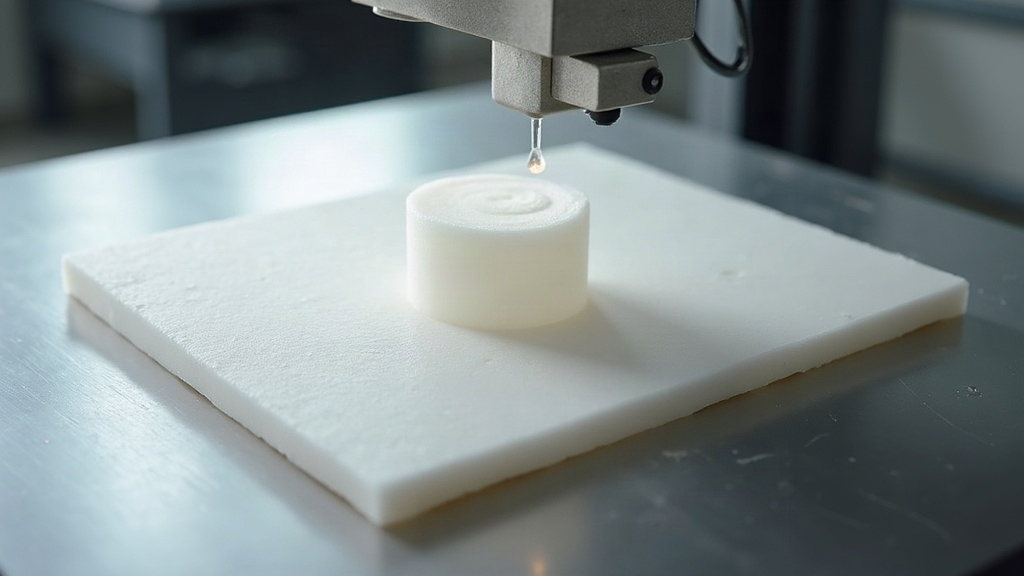
If you’ve ever printed a perfect square bracket without a hitch, then watched a circular disk or round enclosure peel off the bed at some random point along its curve, you’re not imagining things. Round parts really do warp differently than square ones. The reason comes down to how thermal stress spreads across a continuous curve versus a geometry where stress piles up at corners.
The Real Cause: Stress Distribution, Not Just Shrinkage
Every thermoplastic shrinks as it cools. There’s no getting around that. What actually decides where the warping shows up is how that shrinkage stress gets distributed around the part’s perimeter.
Square Parts: Stress Concentrates at Known Points
On a square or rectangular print, shrinkage pulls inward evenly along each straight edge, and the stress ends up concentrated at the four corners. Since there are only four stress peaks, and they sit symmetrically, slicers and print setups have basically been tuned around this exact behavior for years:
- Brims and skirts are shaped to fight corner lifting specifically.
- Bed adhesion methods (glue stick, hairspray, PEI sheets) work predictably because the geometry is simple.
- Cooling settings are easier to dial in since fewer variables are at play.
Round Parts: Stress Has Nowhere Consistent to Go
A circle has no corners, but it has countless micro-segments, each one pulling inward slightly differently depending on cooling rate, infill pattern, even the direction the print head happens to be traveling. That produces irregular, asymmetric stress points that can pop up anywhere along the curve, not just in the predictable spots square parts give you.
That’s why round prints so often show:
- Lifting at what looks like random points along the circumference
- A slight ovaling instead of a clean corner lift
- Different warp locations between two prints of the exact same file
Why Layer Orientation Makes It Worse
On a square part, perimeter toolpaths run in straight lines, so the printer lays down plastic at a steady speed and cooling rate along each edge. On a round part, the toolpath is constantly changing direction in tiny increments. That leads to:
- Micro-variations in extrusion speed around tight curves
- Uneven cooling, since the nozzle lingers a hair longer on some arc segments than others
- Small inconsistencies that stack up layer after layer, eventually creating the weak points where warping kicks off
Practical Fixes for Round Part Warping
1. Increase Bed Adhesion Strategically
Skip the standard brim and go with a circular brim that’s noticeably wider (8-10mm) on round objects. This spreads the holding force evenly around the curve instead of leaning entirely on raw bed adhesion.
2. Slow Down the Outer Perimeter
Cut perimeter speed by 20-30% on round prints. That gives each arc segment a moment to bond properly before the nozzle rushes on to the next one, which cuts down on the “weak link” cooling behavior that curved toolpaths are prone to.
3. Use a Heated Enclosure (Even a DIY One)
Square parts often get by without an enclosure because the stress pattern is predictable. Round parts, though, benefit a lot from enclosed heat retention, since it keeps cooling uniform all the way around the curve instead of letting a stray draft cool one arc faster than the rest.
4. Check Your Cooling Fan Settings
Here’s the ironic part: too much cooling on round prints actually causes more inconsistency than it does on square ones. Try dropping fan speed to 30-50% for the first several layers, especially with PLA and PETG.
5. Switch to a Lower-Warp Material for Round Geometries
If warping still won’t quit after all the settings tweaks, consider:
- PETG instead of ABS for round industrial parts
- ASA if you also need UV resistance
- PLA+ for simpler, decorative round prints
Quick Comparison Table
| Factor | Square Parts | Round Parts |
|---|---|---|
| Stress points | 4 corners | Entire perimeter |
| Toolpath consistency | High | Variable (constant curve adjustment) |
| Adhesion predictability | High | Lower, requires tuning |
| Typical warp pattern | Corner lift | Random lift/ovaling |
Conclusion
Round parts don’t warp more than square ones, they just warp differently, because curved geometry spreads thermal stress unpredictably across the whole perimeter instead of letting it pile up at four manageable corners. Slow down the outer perimeter, widen your circular brim, keep an eye on fan behavior, and swap materials when needed, and round prints can lay down just as flat and reliably as their square counterparts.