Dialing In Retraction Settings on a Direct-Drive Extruder
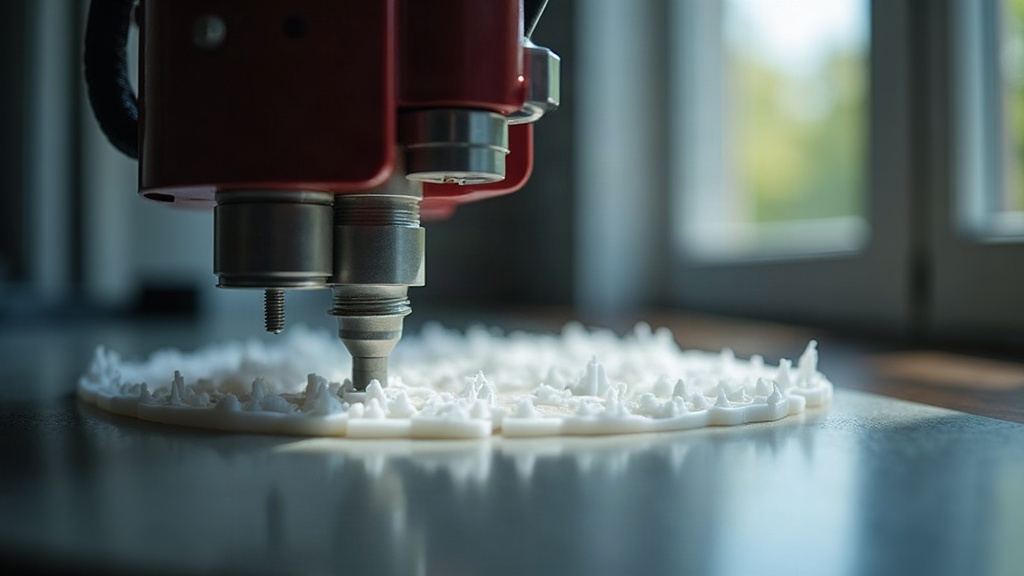
Dialing in retraction on a direct-drive extruder means working with much smaller numbers than you’d use on a Bowden setup: think 0.4–1.2 mm instead of several millimeters, and 25–45 mm/s instead of whatever your Bowden profile had. Why the gap? The gearbox sits right on top of the hotend, so there’s almost no filament slack to chase. Get these two numbers wrong and you’ll see stringing, blobs, or a clogged nozzle. The good news is that fixing it isn’t guesswork, it’s a short, repeatable calibration routine you can run in an afternoon.
Why Direct-Drive Needs Different Retraction Than Bowden
On a Bowden printer, filament travels through a long PTFE tube between the extruder motor and the hotend. That tube flexes and compresses a little under pressure, so you typically need 4–8 mm of retraction just to take up that slack before oozing actually stops.
A direct-drive extruder (think Prusa MK4, Voron, Creality K1, Ender-3 S1, or any Bambu Lab printer) mounts the stepper motor directly above or beside the hotend. There’s almost no distance between the gears and the melt zone, which changes the math entirely:
- You need less retraction distance, because there’s less slack to take up
- Faster retraction speed works fine since the filament path is short and rigid
- Over-retracting is actually worse than under-retracting here. It can grind the filament flat or strip the gear teeth right off
Copy your Bowden numbers onto a direct-drive machine and you won’t get cleaner prints. You’ll get grinding noises, under-extrusion right after retraction, or that annoying gear-chatter clicking. Not an improvement.
Starting Point: Safe Baseline Values
Before you start fine-tuning anything, plug these baseline numbers into your slicer (PrusaSlicer, OrcaSlicer, Cura, doesn’t matter which):
- Retraction distance: 0.6 mm for PLA, 0.8–1.0 mm for PETG, 1.0–1.2 mm for TPU (which honestly barely needs retraction at all)
- Retraction speed: 35 mm/s as a starting point
- Z-hop: off for now (only turn it on later if the nozzle is catching on the print)
- Retract on layer change: on
- Minimum travel distance for retraction: 1–2 mm, so you’re not triggering pointless micro-retractions on every tiny move
These numbers hold up well for most hardened steel or stainless hotends running a 0.4 mm nozzle. If you’ve got a direct-drive clone with weaker gear tension (plastic gears, a hobbed gear that’s seen better days), you might need to bump the distance up slightly to compensate for the lost grip.
The Retraction Tower Test
The fastest way to find your actual number, rather than a guess, is a retraction calibration tower: a tall, thin print where the retraction distance steps down every few layers. OrcaSlicer, Cura, and PrusaSlicer all ship with built-in calibration objects, or you can grab one from Thingiverse or Printables in under a minute.
Steps:
- Slice the tower using your baseline settings.
- Print it, then inspect each segment under bright, direct light (phone flashlight works fine).
- Find the segment where the stringing first disappears. That’s your target distance.
- Add 0.1–0.2 mm of margin to cover humidity swings or temperature drift.
If you’re still seeing strings even at 1.5 mm of retraction, the problem probably isn’t retraction at all. Check your nozzle temperature first (it’s likely too hot), then check filament moisture. PETG and nylon soak up ambient humidity fast, sometimes within a few days of sitting out.
Tuning Retraction Speed
Speed matters almost as much as distance when you’re on direct-drive:
- Too slow (under 20 mm/s): the filament has time to ooze before the retraction even finishes, so stringing sticks around
- Too fast (over 60 mm/s): the motor starts skipping steps, grinding the filament, or chewing a flat spot into it with the gear teeth
For most direct-drive setups, the sweet spot sits around 30–45 mm/s. Lightweight toolheads with mini or pancake steppers (Sherpa Mini, Orbiter, that sort of thing) can often push past 50 mm/s cleanly. Just test it in 5 mm/s increments rather than jumping straight there.
Common Symptoms and Fixes
| Symptom | Likely Cause | Fix |
|---|---|---|
| Fine hair-like strings | Distance too low or temp too high | Increase distance by 0.2 mm, drop temp 5°C |
| Blobs at retraction point | Speed too slow | Increase retraction speed |
| Grinding/clicking noise | Distance too high for direct-drive | Reduce distance, check idler tension |
| Under-extrusion after retraction | Excessive retraction distance | Lower distance; enable “Extra restart distance” if available |
| Stringing only on PETG | Moisture or temp | Dry filament, lower temp 5–10°C |
Advanced: Pressure Advance / Linear Advance
Running Klipper or Marlin with Linear Advance switched on? Tune pressure advance before you lock in your retraction settings. Pressure advance cuts down on the pressure buildup that causes blobbing at corners, and once it’s calibrated properly, you can often get away with a shorter retraction distance. That means less wear on your gears and a lower chance of grinding, two things direct-drive setups are particularly sensitive to.
Conclusion
Direct-drive extruders reward precision, not brute force. Short retraction distances (0.6–1.2 mm) paired with moderate-to-fast speeds (30–45 mm/s) will clear up most stringing and blobbing without putting extra stress on your gears. Run a retraction tower test to pin down your exact numbers, confirm it on a real print afterward, and don’t assume those settings are permanent. Swap filament brands, nozzles, or hotends and the ideal values can shift by 0.1–0.3 mm, enough to notice if you’re not paying attention.