Bambu Lab A1 Mini vs Ender 3 V3 SE: Best 3D Printer for Beginners
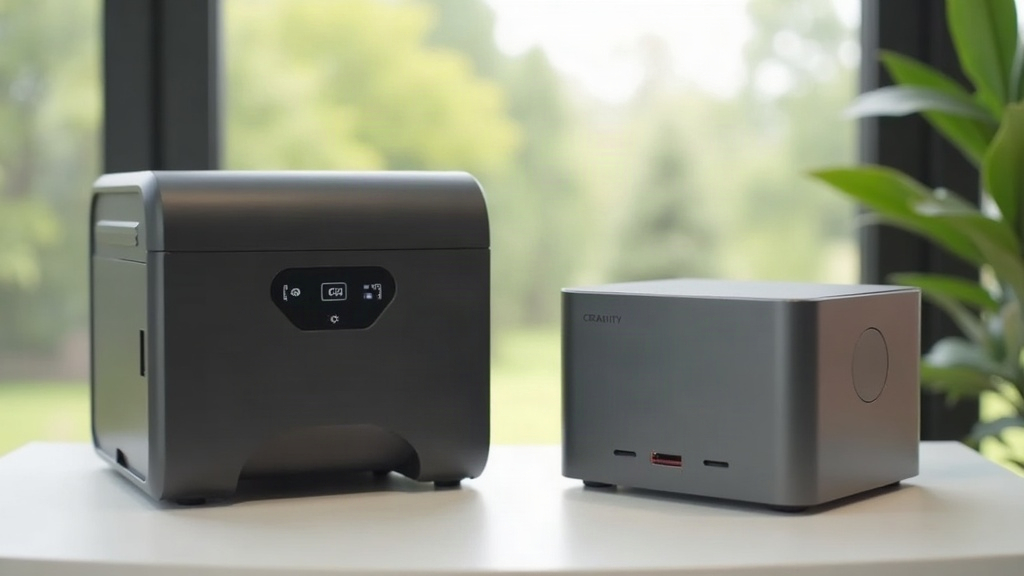
If you’re buying your first 3D printer, the Bambu Lab A1 Mini and the Creality Ender 3 V3 SE keep popping up as the two go-to budget picks in 2026, and honestly, that reputation holds up. The A1 Mini costs more but basically works out of the box: auto bed leveling, a smoother app experience, and the option to print in multiple colors if you want it. The Ender 3 V3 SE costs less, still levels itself, and prints fast for what you pay, though it does expect a little more patience from someone who’s never touched a 3D printer before. Here’s how they actually stack up where it counts.
Quick Verdict
- Choose the Bambu Lab A1 Mini if: you want the smoothest possible unboxing-to-first-print experience, calibration you don’t have to think about, and you’re fine spending roughly $50 to $80 more.
- Choose the Ender 3 V3 SE if: budget comes first and you don’t mind the occasional firmware update or a bit of trial and error on your early prints.
Price and What’s in the Box
The Ender 3 V3 SE usually runs $139 to $189. The A1 Mini starts around $199 and jumps to $259-$299 once you add the AMS lite, the automatic material system that handles multicolor prints. Both ship mostly assembled, so you’re looking at a few screws and cable connections, nothing that calls for mechanical know-how.
Build volume is where things really diverge. The A1 Mini tops out at 180×180×180mm, while the Ender 3 V3 SE gives you 220×220×250mm. Planning to print a full-size cosplay helmet, a batch of storage bins, or anything chunky? That extra room on the Ender isn’t a nice-to-have, it’s the deciding factor.
Setup and First Print Experience
This is the A1 Mini’s strongest card. Bambu Lab’s ecosystem (Bambu Studio paired with the Handy app) walks you through calibration step by step: bed leveling, flow tuning, even filament detection, mostly without you lifting a finger. Most new owners get a clean first print within 30 to 45 minutes of opening the box.
The Ender 3 V3 SE also auto-levels (via CR Touch) and has a reasonably clear onboard screen, but Creality’s slicer and firmware feel a notch less refined. Budget closer to an hour for your first print, and don’t be surprised if you have to nudge the Z-offset manually when the first layer looks a bit squished or too loose. It’s a classic beginner hiccup, but one you’ll only hit once or twice before it clicks.
Print Quality and Speed
Both machines use direct-drive extruders and can cruise at 250-300mm/s on simple models without the print falling apart, which is a massive jump from older budget printers that topped out around 50-60mm/s.
- A1 Mini: Slightly tighter tolerances out of the box, cleaner surfaces on small to medium prints, and noticeably quieter while running.
- Ender 3 V3 SE: Matches it on PLA, but gets fussier if you move to PETG or ABS, especially without an enclosure to keep temperatures stable.
For the usual beginner projects, phone stands, miniatures, planters, little toys, both printers turn out genuinely solid results once you’ve got them dialed in.
Noise, Reliability, and Community Support
The A1 Mini runs quieter, thanks to better-tuned stepper drivers. The Ender 3 V3 SE is louder in comparison, but still far from the clattering racket of older Ender models.
Both brands have earned their reputations for reliability, but the communities behind them look quite different:
- Bambu Lab: smaller, but growing fast. Official support is excellent, firmware updates come often, and MakerWorld gives you a curated library of ready-to-print models.
- Creality: a massive, decade-old community. Thousands of YouTube tutorials exist for nearly every problem you could run into, and replacement parts are cheap and available almost everywhere.
If something breaks once the warranty’s gone, Ender 3 parts are simply easier (and cheaper) to find worldwide.
Multicolor and Upgrades
With the optional AMS lite, the A1 Mini can print up to 4 colors in a single job, no manual filament swaps required. The base Ender 3 V3 SE doesn’t offer that unless you bolt on a third-party multicolor add-on, which adds complexity that most beginners would rather skip.
If multicolor printing is something you actually care about, that feature alone might be worth the price gap.
Which One Should You Actually Buy?
- Tightest budget, want to learn the ropes: Ender 3 V3 SE
- Want it to “just work” with minimal fuss: Bambu Lab A1 Mini
- Need larger prints: Ender 3 V3 SE (220×220×250mm vs 180×180×180mm)
- Want multicolor printing without extra effort: Bambu Lab A1 Mini + AMS lite
Conclusion
Both of these are great first printers, and in 2026 there’s really no wrong pick here. The Ender 3 V3 SE wins on price and build volume. The Bambu Lab A1 Mini wins on convenience, polish, and multicolor potential. For most complete beginners who’d rather spend their first week printing than troubleshooting, the A1 Mini’s extra cost pays for itself pretty quickly. But if you’re comfortable poking around settings and would rather put that money toward filament, the Ender 3 V3 SE remains a genuinely great value pick.